TL;DR
An AI quiz maker for teachers turns the reading you already assign into a bell ringer, an exit ticket, a pop quiz, or a weekly review in under five minutes. Upload a PDF chapter or paste your notes, pick question types, and hand out a shareable link. This guide walks through four repeatable classroom workflows, shows how to produce three difficulty tiers for mixed ability classes from a single source, and gives you a checklist you can start using during your next prep period.

Why Teachers Need an AI Quiz Maker
Most teachers do not have a quiz writing problem. They have a time problem. Between lesson planning, grading, parent emails, IEP accommodations, and the actual job of teaching, writing a fresh ten question assessment for every class period is unrealistic. So the familiar compromise sets in: reuse last year's quiz, pull a generic worksheet from the internet, or skip the check for understanding entirely and hope the unit test catches any gaps.
The second problem is differentiation. A single classroom often holds students reading three grade levels apart, English learners who need simpler stems, and a few advanced students who finish the grade level version in four minutes and then disengage. Writing three versions of the same quiz by hand is a two hour job. An ai quiz maker for teachers collapses that job into one upload and three button clicks, which is why the tool has quietly become part of the weekly routine in a lot of classrooms.
The Core Classroom Workflow
Before we go deep on individual scenarios, here is the shape of the week the tool is designed for. Most teachers we hear from use some combination of these four patterns, not all of them every day.
- Bell ringer quiz: 5 minutes, 5 questions, shared as a link when students walk in. Purpose is activation, not grading.
- Exit ticket: 3 to 4 questions in the last 5 minutes of class. Purpose is formative data for tomorrow's lesson.
- Pop quiz or unit check: 10 to 15 questions, graded, sometimes on paper. Purpose is accountability and a real data point.
- Weekly review: 20 to 25 questions across the week's content, often three difficulty versions. Purpose is spaced practice before the unit test.
All four workflows start from the same source material: the chapter PDF, your slide deck notes, or the reading you already assigned. The tool parses your upload, generates questions grounded in that source, and lets you edit before export. No web scraping, no generic question bank, no mystery sources. You can read more about why that matters in How to create a quiz with AI.
Workflow 1: Bell-Ringer Quizzes
The bell ringer is the five minute warm up that pulls students out of the hallway and into the lesson. Done well, it activates prior knowledge and gives you a one minute scan of who read last night. Done badly, it is a worksheet that nobody finishes and nobody grades.
Here is the recipe we see working. On Sunday night or during your prep period, upload the chapter you assigned for homework into the quiz maker from PDF. Ask for five questions, mixed multiple choice and short answer, difficulty set to recall. Total time from upload to shareable link is around three minutes. Post the link on your classroom screen or paste it into your LMS announcement.
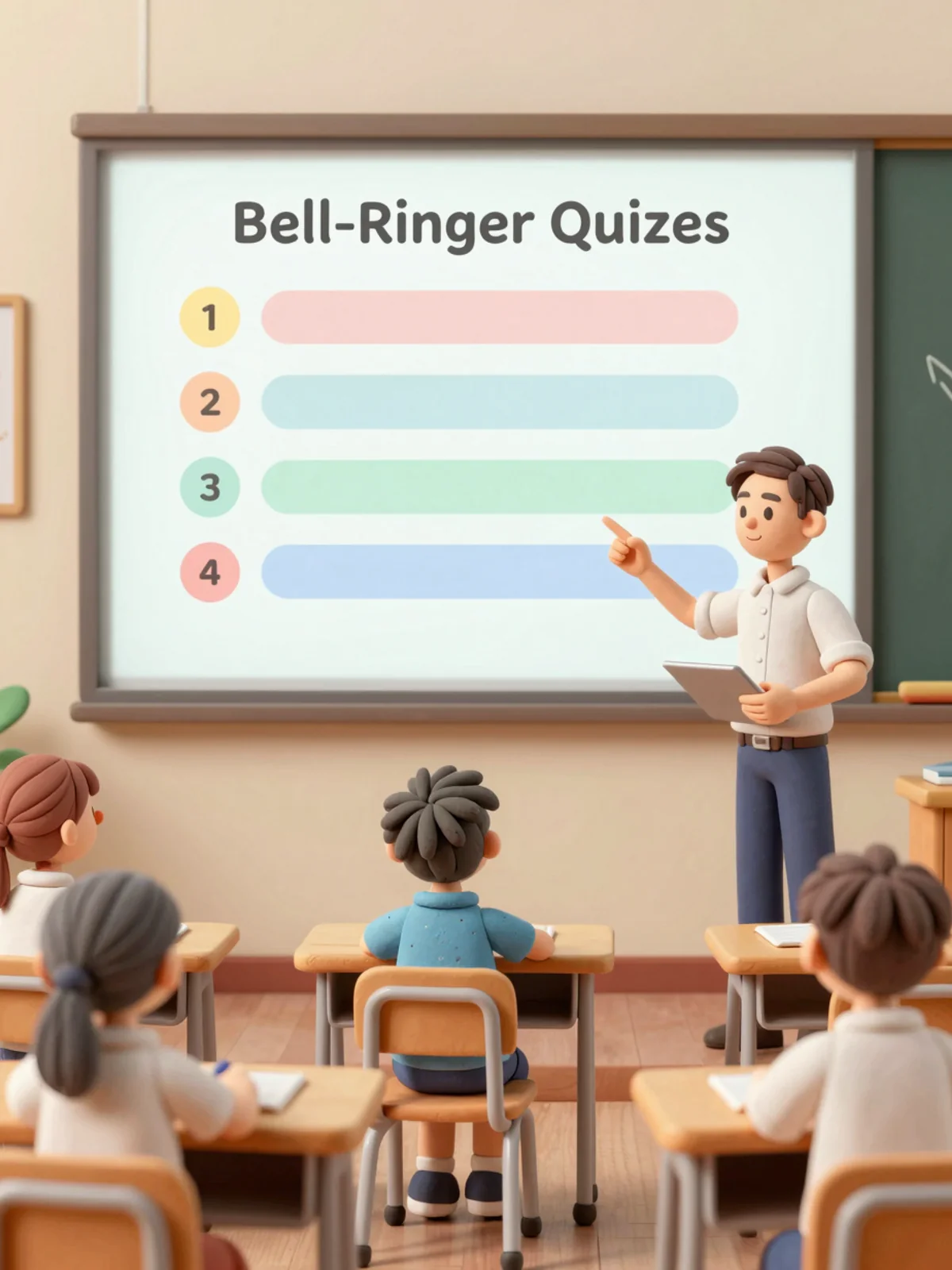
Two small tricks make this workflow sustainable. First, batch your bell ringers. Upload the whole unit once, generate twenty questions, split them into four sets of five. You get a week of bell ringers from one prep session. Second, do not grade the bell ringer for points. The moment it counts toward the grade, students start copying it, and you spend twenty minutes a week on something that was supposed to cost you zero.
Workflow 2: Exit Tickets for Formative Assessment
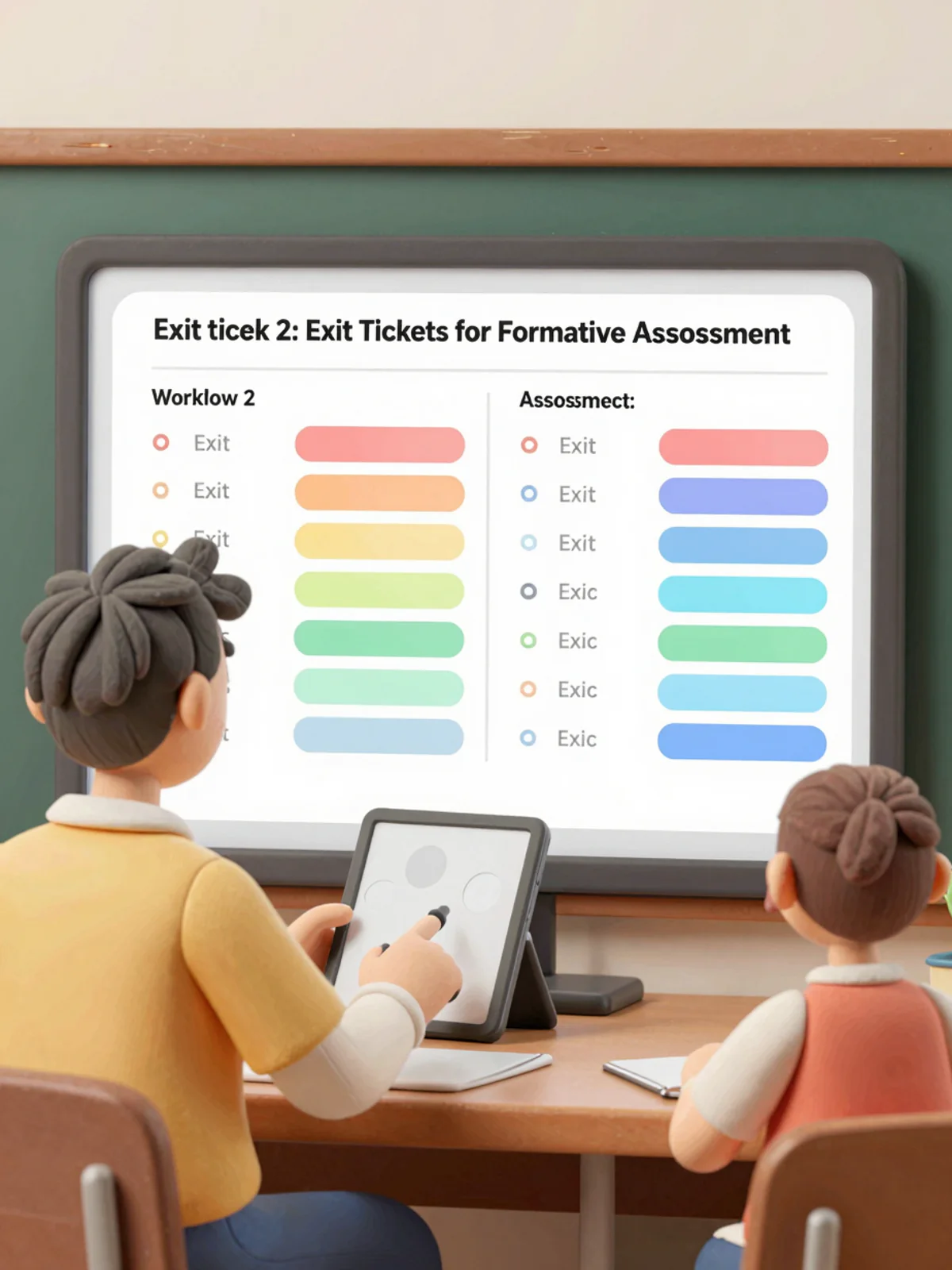
Exit tickets are the mirror image of the bell ringer. They run in the last five minutes of class and they answer one question for the teacher: did the lesson land? The data from a good exit ticket reshapes tomorrow's plan. Four students missed the same conceptual question? Tomorrow opens with a reteach, not the next slide.
For ai formative assessment, you want questions that isolate a single skill or concept rather than general recall. Paste the learning objective and a short excerpt from today's slide into the tool, then request three short answer questions targeting that objective. The whole setup takes about two minutes during your planning period. Students respond on their phones or a shared device, and the tool produces an auto scored summary you can scan in the hallway between classes.
Teachers who use this pattern daily tend to do two things. They keep exit ticket data in a simple spreadsheet or LMS gradebook category called "formative only, not counted" so they can track trends across a unit. And they write the exit ticket before they finish writing the lesson, not after, so the question actually drives what gets taught. The AI quiz generator supports both open response and auto scored formats, so you can choose based on class size and grading appetite.
Workflow 3: Differentiated Quizzes for Mixed-Ability Classes
Differentiation is the workflow that used to eat entire weekends. In a mixed ability class you might have a student reading two years above grade level, a cluster working at grade level, and three students with reading or processing accommodations on their IEP. A single quiz cannot fairly measure all three groups.
An ai quiz maker for teachers handles this with a generate three versions pattern. From the same source chapter, request a recall version, a grade level version, and a transfer version. The recall tier uses simpler vocabulary, more multiple choice, and questions that check whether the student read the text. The grade level tier mixes multiple choice with short answer and at least one question that asks students to apply a concept in a new context. The transfer tier leans on short answer and scenarios, and it often asks students to compare, predict, or justify.
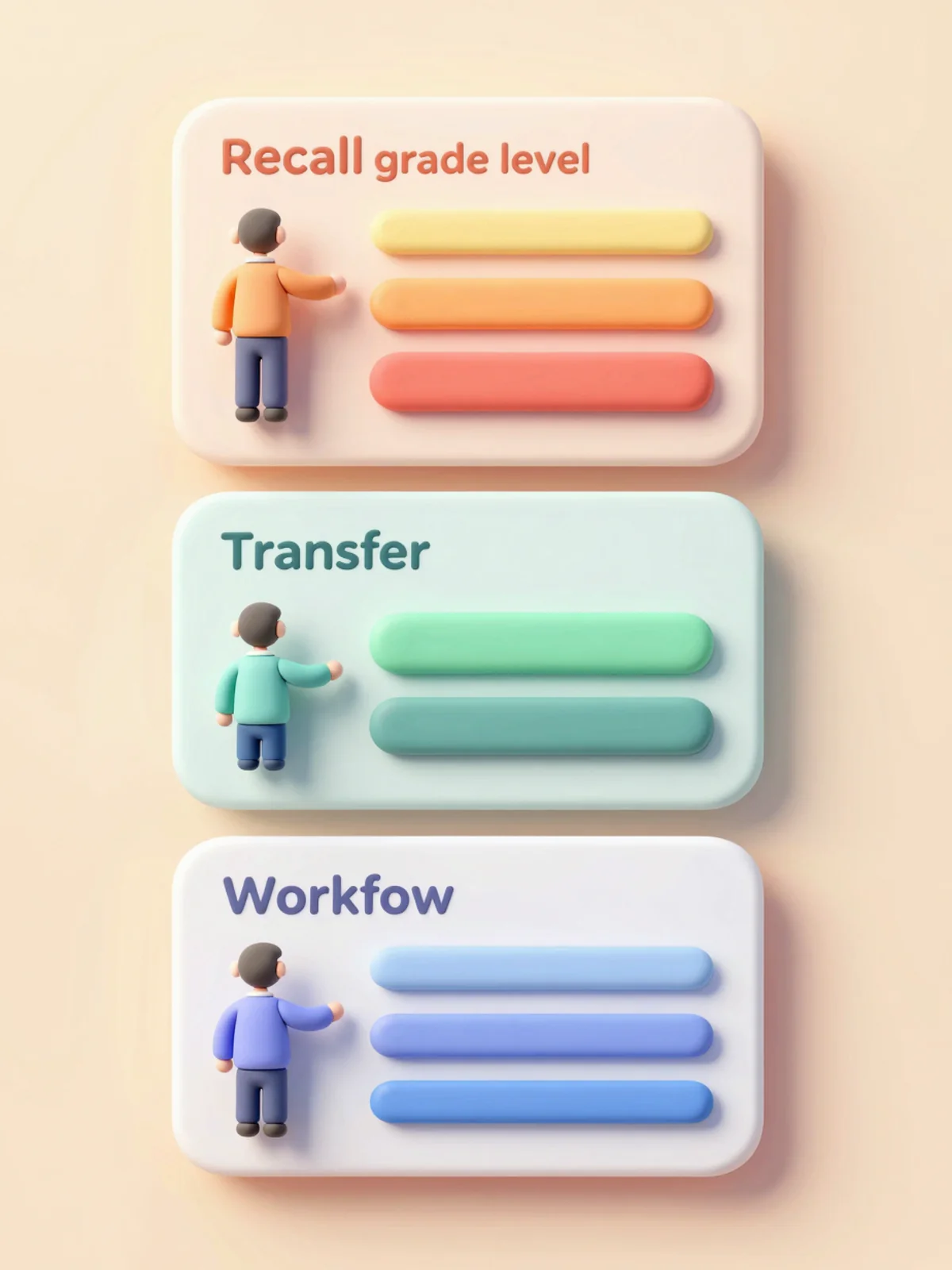
The practical tip here is to label the three versions neutrally. Call them Quiz A, B, and C, not Easy, Medium, and Hard. Students notice labels, and the tier a student takes should be decided by the teacher based on current data, not announced to the class. If you use a study quiz maker for the self study version students can work on at home, you can point students who need more practice to the recall tier and push advanced students toward the transfer tier without touching the in class grade.
For a typical chapter, producing three differentiated versions takes around eight minutes of teacher time, most of which is spent skimming the generated questions and rewording two or three for your classroom voice. That is the real productivity unlock. You are not writing questions from scratch. You are editing a first draft, which is a genuinely different cognitive task.
Workflow 4: Exam Prep & Weekly Review
The last workflow is the weekly review and the unit review before a big test. This is where the teacher quiz generator earns back the most time, because a good review covers five to ten days of content and writing it manually is a long job.
The pattern is simple. At the end of the week, upload every reading, slide deck, and note document for the unit so far. Ask for a twenty five question review covering the full source set, with a balanced mix of question types. The tool tags each question with the section or objective it came from, which becomes your reteach map when students miss a cluster. Students who got fewer than seventy percent can retake a regenerated version from the same sources, so they are reviewing the same content, not a new set.

For the unit test itself, some teachers use the AI tool to produce a study guide version for students, then write the real test by hand. Others generate a test draft and spend twenty minutes editing it into final form. Both approaches are defensible. The important part is that the study guide and the test come from the same source documents, so students are not being surprised by content that was never taught. For longer cumulative exams, see the AI test generator and exam maker tools, which are tuned for longer, graded assessments with answer keys and rubrics.
Results: What Teachers Tell Us
We try to be honest about numbers in this guide, so here is the careful version. Teachers using an AI quiz maker as part of their regular workflow tend to report that weekly quiz prep drops from a multi hour task to under an hour, and that the biggest gain is not the minutes saved but the willingness to run more formative checks because each one is cheap. When the bell ringer costs five minutes instead of thirty, you run a bell ringer. When the exit ticket takes two minutes to set up, you actually do it on Thursday instead of only on Monday.
In common classroom use, teachers also report that differentiated quizzes become achievable for the first time, because producing three versions no longer requires a free weekend. This is the change that most often gets mentioned in follow up conversations. It is not that any single quiz got dramatically better. It is that differentiation moved from an aspiration to a default.
We do not claim a specific percentage of grade improvement, because classrooms vary too much and the tool is one variable among many. What we can say is that the workflow unblocks the two things teachers say they want more of: faster feedback loops and fairer assessments for mixed ability rooms.
Getting Started Checklist + CTA
If you are setting this up for Monday morning, here is the shortest path that still works well.
- Pick one class period and one workflow. Bell ringer is the easiest first win.
- Upload the chapter PDF or paste the reading into the AI quiz generator.
- Generate five questions at recall difficulty. Skim the output and edit two or three for your voice.
- Copy the shareable link into your LMS or paste it on the board.
- Run it Monday. On Tuesday, decide whether to add the exit ticket workflow or to do one more week of bell ringers first.
- At the end of week one, upload the full week of material and run the weekly review workflow. This is the workflow that saves the most time, but it is easier to appreciate after you have seen the simpler ones work.
- In week two, try the three version differentiation workflow on a single quiz.

Key Takeaways
- An ai quiz maker for teachers is most useful as a routine, not a one off. The four workflows, bell ringer, exit ticket, differentiated quiz, and weekly review, compound over a semester.
- Always generate quizzes from your own source material. Uploading the chapter or pasting your notes keeps the questions grounded in what you actually taught and keeps your classroom data private.
- Produce three difficulty versions from the same source for mixed ability classes. Label them A, B, and C, not easy, medium, and hard.
- Do not grade bell ringers for points. The moment the low stakes check becomes a graded task, the classroom behavior changes and the formative value disappears.
- Start with one workflow in one class. Add the next workflow only after the first has become boring, which usually takes about a week.