TL;DR
An AI quiz generator is a tool that turns any topic, PDF, or set of notes into a ready-to-use quiz in under a minute. Instead of typing every question and answer by hand, you describe what you want (or upload source material), pick a question format, and let the model draft the questions, correct answers, and distractors for you. Teachers use it to build weekly reviews, students use it to self-test before exams, and creators use it to spin up lead-magnet quizzes without a question-writing team.

A plain-English definition
An AI quiz generator is software that reads a piece of content, or a short topic description, and writes quiz questions about it automatically. You give it a source (a chapter, a PDF, a URL, or a one-line topic). You pick how many questions you want and what type they should be: multiple choice, true or false, fill in the blank, short answer. The tool then produces a full draft with questions, correct answers, and plausible wrong answers, ready to review, edit, and share.
Behind the scenes it is a large language model with a question-writing prompt wrapped around it. In front of you it is a simple form. The whole point is to remove the slow part of quiz creation: inventing distractors, varying difficulty, and keeping answers consistent with the source.
How an AI quiz generator works
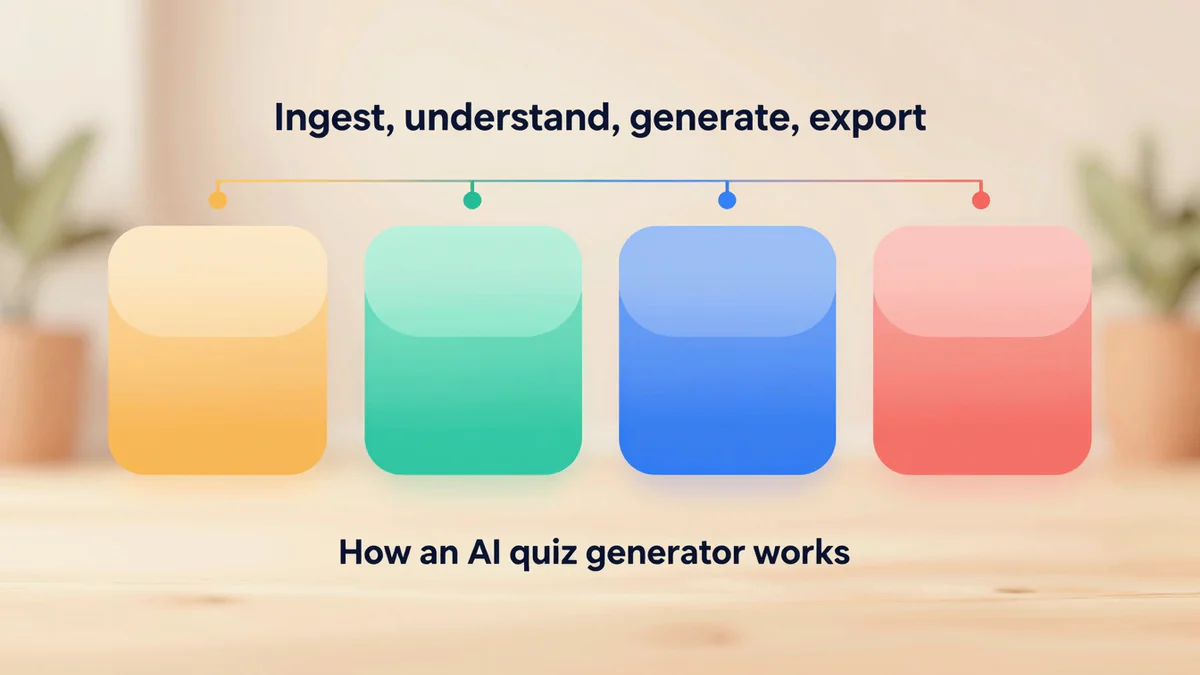
An AI quiz generator works in four steps, and understanding them helps you get better output. First it ingests your input. Second it extracts the key facts. Third it writes the questions. Fourth it scores and formats them for export. You do not see most of this; you only see the form and the finished quiz. But each step is where a good tool pulls ahead of a generic chatbot.
- Ingest. The tool accepts a topic string, pasted text, a PDF, a DOCX, or a URL. It cleans the text, drops page headers and footers, and splits it into chunks the model can reason over.
- Understand. The model identifies definitions, cause-and-effect pairs, numbers, dates, and named entities. These become candidate question targets.
- Generate. For each target it drafts a question, a correct answer grounded in the source, and three or four distractors that are wrong but plausible (not obviously silly).
- Format and export. It assembles the questions into a quiz object you can preview, regenerate individually, and export to DOCX, PDF, Google Forms, or a shareable link.
The quality gap between tools shows up in step three. A weak generator writes questions that all look the same (three vocabulary recalls in a row), or writes distractors that are obviously wrong, which makes the quiz too easy. A good one varies Bloom-level difficulty, keeps questions grounded in your actual text, and flags anything it was not confident about so you can review.
Three common workflows
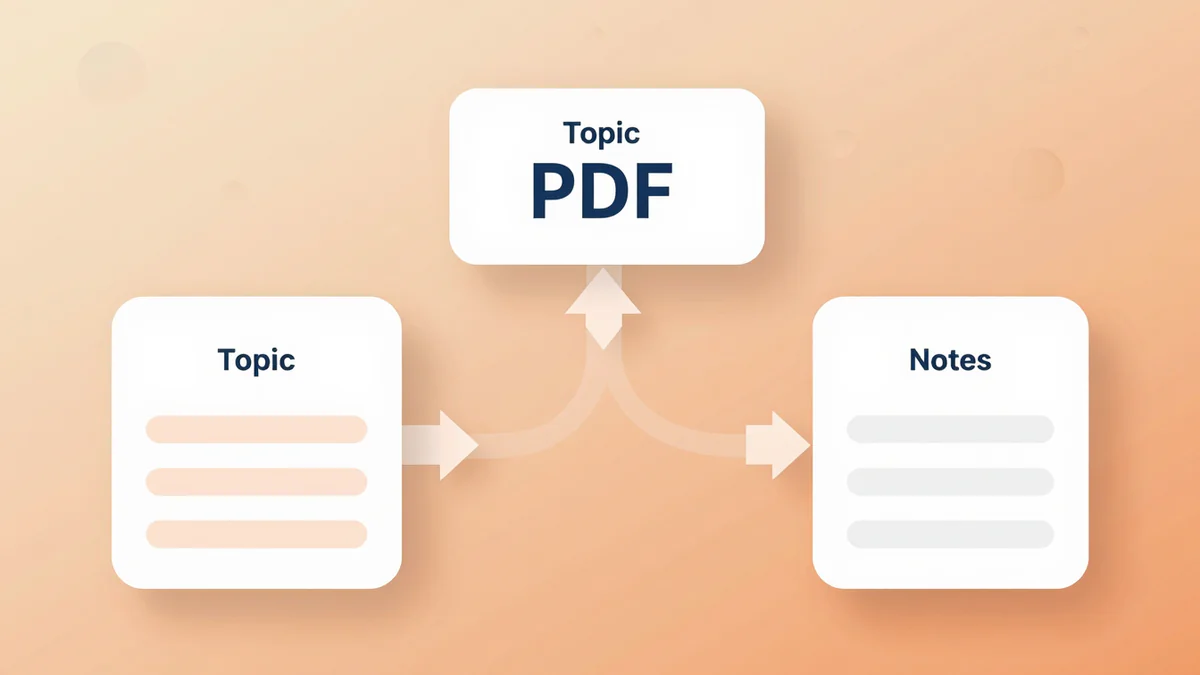
Most people come to an AI quiz generator with one of three jobs to do: turn a topic into a quiz, turn a PDF into a quiz, or turn personal notes into a quiz. Each workflow takes the same four steps above but uses a different input, and each one solves a slightly different problem.
Topic to quiz
This is the fastest workflow. You type a topic ("photosynthesis for grade 7", "AWS IAM basics", "French Revolution causes") and pick a question count. The model uses its own general knowledge to draft the questions, so it works even when you have no source material. It is great for warm-ups, icebreakers, and lead-magnet quizzes on a blog or landing page. The tradeoff: you should skim the questions before publishing, because the model can be confidently wrong on niche or very recent topics.
PDF to quiz
This is the most common workflow for teachers and students. You upload a lecture slide deck, a textbook chapter, a research paper, or a revision booklet. The generator reads the PDF, extracts the key claims, and writes questions grounded in that specific document. Because the source is fixed, factual accuracy is much higher than in topic mode. This is the workflow our quiz maker from PDF is built around, and it is the one most institutions start with.
Notes to quiz
This is the workflow most self-learners end up using. You paste your own study notes, a Notion page, or a messy meeting transcript, and the tool produces questions that match the way you took the notes. This matters, because a quiz that matches your own wording is far more effective for active recall than one generated from a polished textbook you never read. It is the engine behind tools like our AI quiz maker for personal study.
Why teachers, students, and creators use it
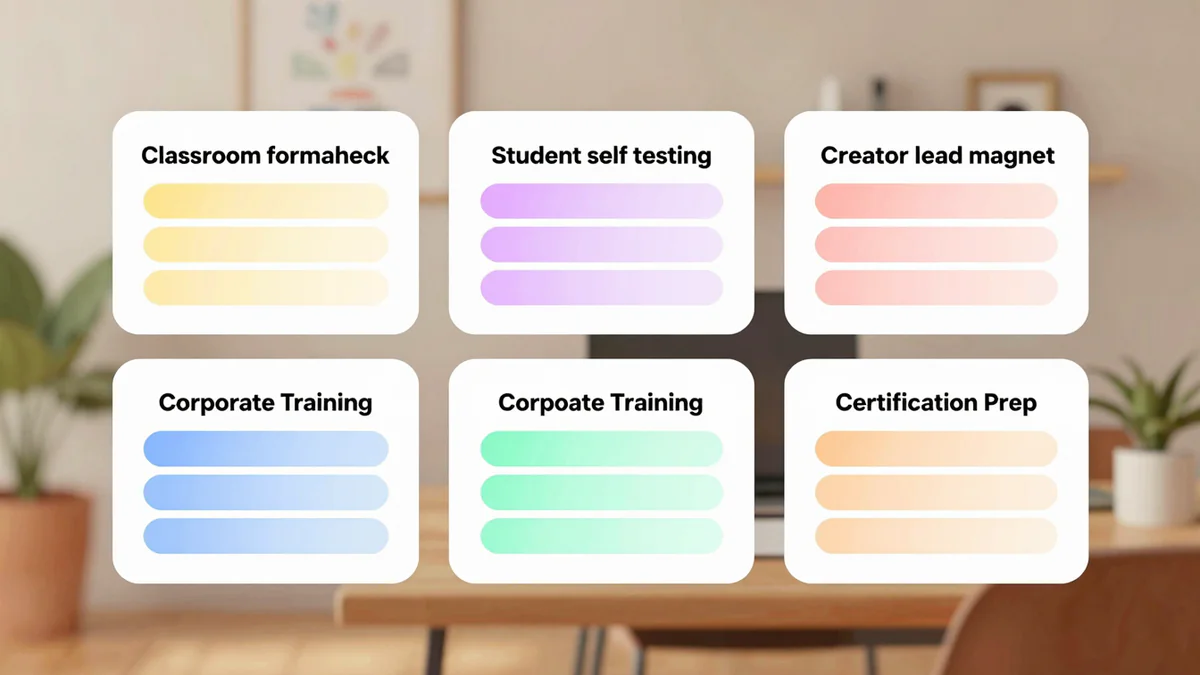
The reason an AI quiz generator has spread so fast is that it compresses hours of work into minutes for three very different user groups, and each group gets a different kind of value. Teachers get time back. Students get practice that matches what they actually studied. Creators get a scalable way to make interactive content without hiring a writer.
- Teachers build weekly formative checks, exit tickets, and make-up quizzes in the time it used to take to format a Word document. They still review and edit (and they should), but the blank-page problem is gone. Many also use it to generate differentiated versions of the same quiz for different reading levels.
- Students use it for spaced self-testing. Research on active recall is decades old and very consistent: testing yourself on material beats rereading it. The bottleneck has always been making the tests. An AI quiz generator removes that bottleneck.
- Self-learners working through online courses, books, or documentation use it to build personal question banks they can revisit before interviews or certifications.
- Creators and marketers use it to build "what type of X are you" and knowledge-check quizzes as lead magnets. A quiz gets far more engagement than a static blog post, and an AI generator makes it cheap to produce.
- Trainers and HR teams use it for onboarding comprehension checks and compliance refreshers, where the content changes often and hand-writing questions each quarter is not sustainable.
A useful way to think about it: an AI quiz generator is not replacing the teacher or the study plan. It is replacing the typing.
How to get started
Getting started with an AI quiz generator takes less time than reading this paragraph. Open the tool, pick your input type, paste or upload, choose question count and format, and click generate. The first quiz is usable in about 30 seconds. The second one, after you have edited a question or two, is usually the one you actually ship.
A short checklist for your first run:
- Start with a source you already know well (your own notes or a chapter you just taught). You will spot weak questions faster.
- Ask for fewer questions than you think you need. Ten good questions beat twenty mediocre ones.
- Mix formats. Two or three multiple choice, one or two short answer, one true or false. Variety keeps the quiz from feeling like a wall of MCQs.
- Always read the correct answers before sharing. Do not skip this step, especially for dates, numbers, and names.
- Save the prompt or settings that worked. Next week's quiz takes ten seconds if you do.
When you are ready to try it, the fastest path is our AI quiz generator. If your primary input is a PDF textbook or revision booklet, jump straight to the quiz maker from PDF instead, which is tuned for long documents and keeps every question traceable back to the page it came from.
Key Takeaways
- An AI quiz generator turns a topic, PDF, or set of notes into a ready-to-edit quiz in under a minute.
- It works in four steps: ingest, understand, generate, export. Quality differences show up most in the generate step.
- The three most common workflows are topic to quiz, PDF to quiz, and notes to quiz. PDF to quiz has the highest factual accuracy.
- Teachers save hours, students get better active-recall practice, creators get interactive lead magnets, and trainers keep onboarding content fresh.
- Always review the output before publishing, especially dates, numbers, and names. The tool replaces the typing, not the judgment.